Resolving PS5 Random Shutdowns: A Comprehensive Guide
Introduction
Are unexpected PS5 shutdowns ruining your gaming experience? Finding your console turning off randomly can be an infuriating issue that disrupts the immersion you’re craving. This guide will help you comprehend the root causes of these sudden shutdowns and provide you with practical steps to ensure seamless gameplay.
Understanding the PS5 Random Shutdown Phenomenon
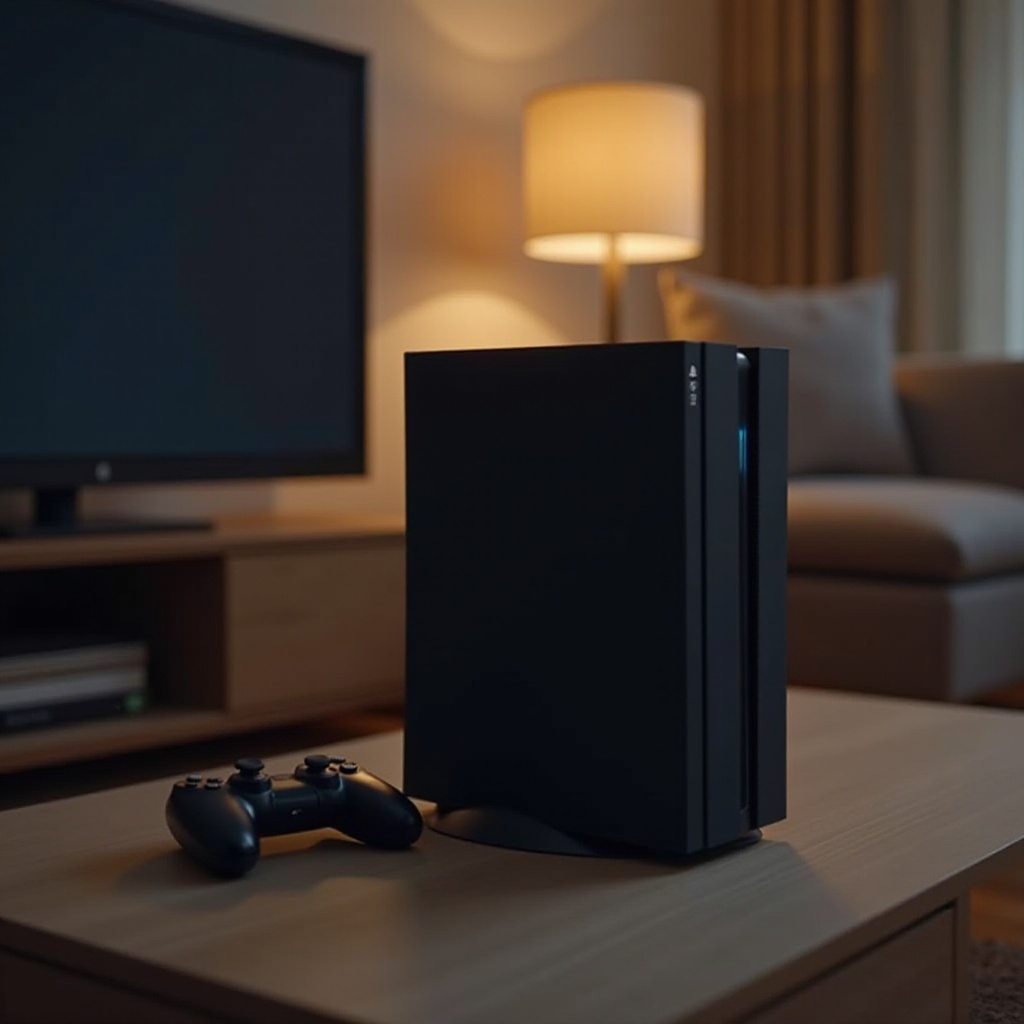
To tackle the problem effectively, recognizing the underlying factors is crucial. Sudden shutdowns are generally caused by either hardware malfunctions or software inconsistencies. Understanding these issues will empower you to implement the right solutions and secure your gaming sessions.
Common Causes of Random Shutdowns on PS5
- Power Supply Issues: Loose or faulty power connections can trigger the PS5 to shut off unexpectedly.
- Overheating Problems: Inadequate ventilation might lead to overheating, causing the system to automatically power down as a protective measure.
- Software Glitches: Outdated firmware or corrupted software can disrupt the console’s performance and stability.
Now that you know the likely culprits, you can move on to addressing them with our step-by-step guide.
Step-by-Step Troubleshooting Guide
By methodically resolving potential issues, you significantly lower the chances of future shutdowns:
- Checking Power Connections:
- Ensure all cables are firmly plugged from the wall outlet to the console.
- Replace any damaged or worn power cords immediately.
- Ensuring Proper Ventilation:
- Position your PS5 in a space with ample airflow, away from other electronics or heat sources.
- Frequently clean the vents with compressed air to prevent dust build-up.
- Updating System Software:
- Connect your PS5 online to check for system updates regularly.
- Follow on-screen instructions to perform updates and ensure your software is current.
These precautions will enhance your console’s performance and offer an uninterrupted gaming experience.
Advanced Solutions for Persistent Problems
Should basic troubleshooting not suffice, consider employing these advanced techniques:
- Rebuilding the Database:
- Power down the PS5 and press the power button until two beeps sound.
- Enter Safe Mode by connecting the controller via USB and selecting ‘Rebuild Database.’
- Factory Reset Procedures:
- Go to Settings > System > System Software > Reset Options > Reset Your Console.
- Follow the prompts to complete the reset, but remember to back up data to avoid loss.
If these measures do not resolve the issue, your console may require professional intervention.
When to Seek Professional Help
It’s frustrating when technical problems persist despite your best efforts. If you’ve tried both basic and advanced solutions with no success, it may be time to reach out for professional help. Contact Sony support or a certified repair service to get an expert diagnosis and solution for potential hardware failures.
Preventive Tips for Maintaining Your PS5
Once you have resolved the shutdown issues, maintaining preventative measures is key:
- Regular Maintenance Tips:
- Keep your PS5 dust-free and ensure proper airflow by regularly cleaning vents and fans.
- Avoid stacking other devices on top of your console to reduce heat buildup and interference.
- Monitoring Software Updates:
- Keep up with official channels for software updates and hotfixes.
- Enable automatic updates if possible to keep your system up-to-date effortlessly.
These steps will not only prevent random shutdowns but also extend the lifespan of your console, allowing you to enjoy your favorite games without interruptions.
Conclusion
Understanding and tackling the reasons behind your PS5 shutting down randomly can save you from a lot of frustration. By applying the troubleshooting methods outlined and adopting ongoing maintenance habits, you can keep your gaming sessions smooth and uninterrupted. Take charge of your gaming experience with these proactive solutions, and enjoy your PS5 to the fullest.
Frequently Asked Questions
Why does my PS5 turn off by itself?
Your PS5 may shut down due to power supply issues, overheating, or software glitches.
Can overheating cause my PS5 to shut down?
Yes, overheating can trigger automatic shutdowns to protect the system from damage.
What should I do if my PS5 keeps shutting off despite troubleshooting?
If the issue persists after troubleshooting, contact Sony support or seek professional repair services.