How to Easily Find Your Kindle Serial Number in 2024
Introduction
Having a Kindle allows you the luxury of carrying an entire library in the palm of your hand. However, managing your device effectively requires knowing its unique serial number. This identifier is crucial for tasks like troubleshooting, getting support from Amazon, and registering your Kindle. In this guide, we’ll walk you through the steps to easily locate your Kindle’s serial number, ensuring you’re prepared for any situation involving your device.

What is a Kindle Serial Number?
The Kindle serial number is a unique code assigned to your device during its manufacture. It’s vital for distinguishing your Kindle from others and plays a key role in registering your device, eligibility for warranty services, and facilitating customer support. Whether you’re trying to access new features or handle technical issues, understanding the significance of your Kindle’s serial number is essential.
Why Knowing Your Kindle Serial Number is Important
Understanding your Kindle serial number’s importance cannot be overstated. This number is essential when you’re looking to register your Kindle with Amazon or when you need quick customer support to resolve issues. It’s also fundamental if you’re planning to sell your Kindle, allowing you to provide accurate information to potential buyers. Every Kindle owner should know how to locate and use their serial number effectively to ensure seamless device management.

Step-by-Step Guide to Finding Your Kindle Serial Number
Finding your Kindle’s serial number is a straightforward process, and there are several ways to do it depending on your model. Choose the method that best suits your situation.
- Finding the Serial Number via Device Settings
- Turn on your Kindle.
- Go to the ‘Home’ screen.
- Tap on the ‘Menu’ icon (three vertical dots) at the top right corner.
- Select ‘Settings.
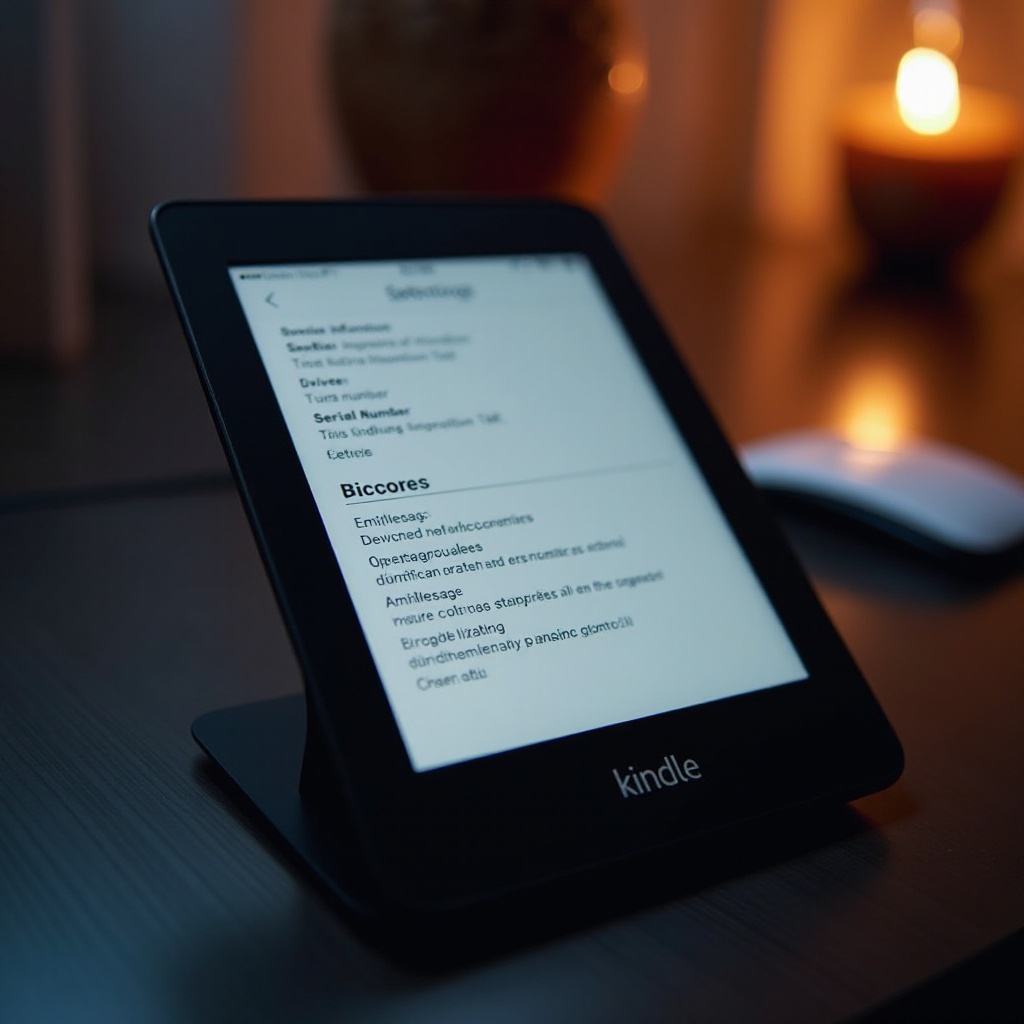
- Choose ‘Device Options,’ then ‘Device Info.
-
Your serial number will be displayed here along with other device information.
-
Locating the Serial Number through Your Amazon Account
- Log into your Amazon account using a web browser.
- Navigate to ‘Accounts & Lists.
- Select ‘Manage Your Content and Devices.
- Click on the ‘Devices’ tab.
-
Locate your registered Kindle and click on it to view the serial number alongside other details.
-
Checking the Packaging for the Serial Number
If you still have your Kindle’s original packaging, you’ll find the serial number on a sticker on the box. This is especially useful if you can’t turn on your device.
With these options, you can easily access your Kindle’s serial number. Let’s look at some common issues you might encounter and how to overcome them.
Troubleshooting Common Issues
At times, finding your Kindle’s serial number might not be straightforward. Here are a few potential issues and how to address them effectively.
-
What to Do if the Serial Number is Missing or Damaged
In case your Kindle’s serial number is scratched or illegible on the device, using the method through your Amazon account is typically fail-proof. This ensures you maintain access to crucial information needed for support or registration. -
Who to Contact for Further Assistance
If you’re unable to resolve issues independently, Amazon’s support team is ready to assist. For quicker service, have your support request ID at hand. Contact them via the Amazon support page, furnishing any available device details and the associated Amazon account.
Proactively handling these issues ensures smooth access to your serial number whenever necessary. Now, let’s discuss security precautions to help keep your Kindle and its information safe.
Security and Privacy Tips for Your Kindle
Securing your Kindle and its serial number is pivotal. Here are tips to help you protect this information:
- Avoid publicly sharing your serial number to prevent unauthorized access to your Amazon account.
- Regularly update your Amazon account password and Kindle settings according to the latest security recommendations.
- Keep original packaging and purchase receipts as a backup for warranty or support needs.
Following these guidelines will help you maximize your Kindle’s features while maintaining your privacy. To conclude, let’s summarize what we’ve covered.
Conclusion
Locating your Kindle’s serial number is a fundamental part of owning this device. Whether for registration, troubleshooting, or warranty claims, being familiar with the steps to find this number will make managing your Kindle more efficient. By following the provided methods and advice, you’re ensuring that you’re well-equipped to deal with any future Kindle-related needs.
Frequently Asked Questions
Can I find the Kindle serial number without turning on the device?
Yes, you can find the serial number by logging into your Amazon account and checking under ‘Manage Your Content and Devices.’
Is the Kindle serial number the same as the product ID or registration number?
No, the serial number is a unique identifier specific to the device, while product IDs and registration numbers can refer to broader categories or account-specific numbers.
How often should I update my Kindle’s registration information?
Update your Kindle’s registration whenever there’s a change in ownership, account settings, or when required during a software update or device support query.