Do Oculus Controllers Have Batteries? Everything You Need to Know
Introduction
Oculus controllers have brought a new dimension to the virtual reality experience, offering users intuitive and immersive control in digital realms. Naturally, users often wonder about the power source for these high-tech devices – do they require batteries, and if so, what kind? This article aims to demystify the battery requirements of Oculus controllers, while offering helpful suggestions for managing and optimizing battery life.

Understanding Oculus Controllers
To grasp the power needs of Oculus controllers, we must first understand their sophisticated technology. These controllers feature motion sensors and haptic feedback mechanisms that enhance the user experience by translating physical movements into the virtual environment. They work in tandem with Oculus headsets to deliver a seamless VR experience. Given their complexity, it’s clear why reliable battery power is essential for maintaining optimal performance and ensuring uninterrupted gameplay.
Recognizing the importance of batteries requires a look at the different Oculus models. While they all share similar functionalities, the battery requirements can vary slightly depending on the specific model in use.
Battery Types Used in Oculus Controllers
Oculus controllers typically rely on AA batteries, with users having a choice between disposable and rechargeable options. Here’s a breakdown of these battery types and their advantages and disadvantages:
-
Disposable AA Batteries: Easily accessible and convenient for instant replacements, disposable batteries are a common, albeit costly, choice. They provide uniform power output, but frequent replacements can add up financially and contribute to environmental waste.
-
Rechargeable AA Batteries: Ideal for users seeking sustainability and long-term savings, rechargeable batteries can be used repeatedly. While the initial investment might be higher, these batteries can be charged hundreds of times, offering significant cost benefits. For rechargeable batteries, having a reliable charger is essential to keep your controllers ready at all times.
Choosing between these battery types depends on individual preferences and gaming habits. An informed decision can enhance your overall Oculus experience.

How to Replace or Recharge Oculus Controller Batteries
Switching out or recharging the batteries in your Oculus controllers is straightforward with these simple steps:
-
Identify Battery Type: Determine whether your controllers use disposable or rechargeable AA batteries.
-
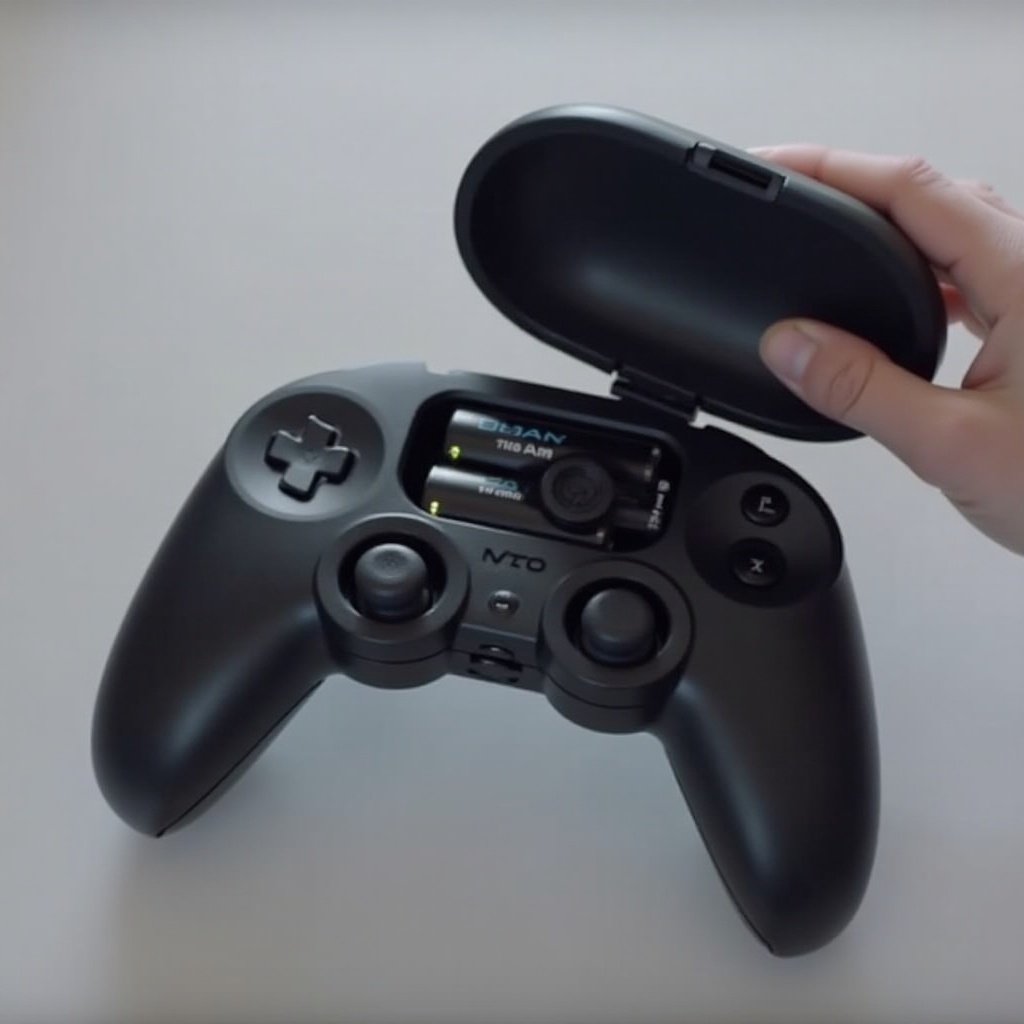
Remove Battery Cover: Carefully slide the cover off the back of the controller.
-
Replace Batteries:
- For disposable batteries: Remove the depleted ones and insert new batteries ensuring correct polarity.
-
For rechargeable batteries: Either replace with fully charged batteries or recharge using an appropriate charging dock.
-
Secure Battery Cover: Slide the cover back into place securely.
-
Test Controllers: Power on the controllers to ensure they are functioning correctly.
These steps will ensure you easily manage your controller’s power needs. Let’s now focus on extending your batteries’ lifespan with some practical tips.
Maximizing Battery Life for Oculus Controllers
Efficient battery management is key to enhancing your Oculus controller’s performance. Here are several strategies to increase battery longevity and minimize playtime disruptions:
-
Reduce Vibrations: Turn down or disable haptic feedback when unnecessary to conserve power.
-
Optimize Power Settings: Activate power-saving modes to diminish energy use during inactive periods.
-
Proper Storage: Store controllers in a cool, dry environment. Extreme temperatures can deplete batteries faster.
-
Stay Updated: Regularly update your Oculus software as updates may optimize battery efficiency.
Incorporating these practices can profoundly improve your gaming experience by prolonging battery life.
Innovations in VR Battery Technology
Advancements in virtual reality technology continually drive improvements in battery technology. Researchers are focused on making batteries more efficient, sustainable, and long-lasting, which is crucial for enhanced VR experiences.
Developments include creating lightweight batteries that improve comfort and usability and exploring eco-friendly materials to make batteries more sustainable. Future innovations promise benefits not just for gamers, but also significant reductions in electronic waste and energy consumption.
Conclusion
Batteries are a vital component of Oculus controllers, powering the immersive and engaging VR experiences that users cherish. Understanding the battery options and incorporating effective management strategies can greatly enhance your gaming sessions. By choosing the right batteries and maintaining them well, you ensure your Oculus controllers stay reliable and efficient.
Frequently Asked Questions
Can I use rechargeable batteries with Oculus controllers?
Yes, you can use rechargeable AA batteries. They offer cost savings and reduced environmental impact.
How long does a fully charged Oculus controller battery last?
A fully charged AA battery typically lasts 30 to 40 hours, depending on usage and settings.
What should I do if my Oculus controller battery drains quickly?
Check for excessive haptic feedback, reduce background apps, and ensure software is updated to address quick battery drain.