How to Connect Your JBL Speaker to Your Phone in 2024
Introduction
Connecting a JBL speaker to your phone enhances your audio experience immensely, whether listening to tunes, streaming podcasts, or engaging in phone calls. This guide is crafted to navigate you through the connection process seamlessly, equipped with troubleshooting tips and methods to refine your listening pleasure.
Understanding JBL Speaker Models
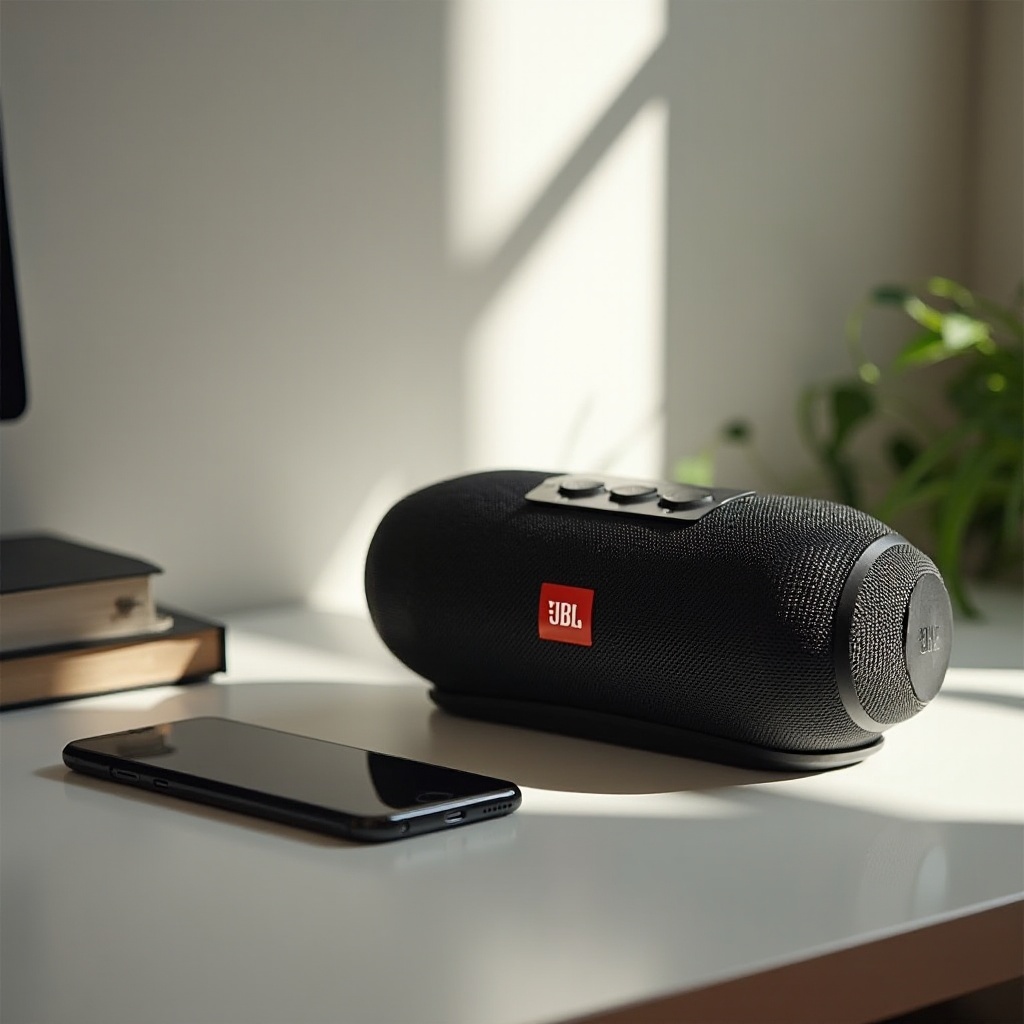
Knowing the specifics of your JBL speaker model is essential for an effective connection. JBL offers a range of models, each with distinct features:
– Different Types of JBL Speakers: From portable models like the JBL Flip and Charge to larger units such as the JBL Boombox and party boxes, each provides unique connectivity options.
– Key Connectivity Features: Depending on your model, options for Bluetooth, NFC, or auxiliary connections might be available. Familiarizing yourself with these options will help select the optimal connection method for your circumstances.
Gaining a solid understanding of your speaker’s features will streamline the upcoming connection process and ensure you’re leveraging your device to its full potential.
Preparation Before Connecting
Proper preparation is crucial before you connect your JBL speaker to your phone:
– Device Compatibility Checks: Verify that your JBL speaker supports the operating system of your phone, whether iOS or Android. This step helps sidestep compatibility issues.
– Ensuring Software Updates: Maintain both your phone’s and speaker’s software at current versions. Software updates often enhance compatibility and access to the latest features.
Ready with these steps checked off, you are poised for a smooth connection.
Connecting JBL Speaker to a Phone Using Bluetooth
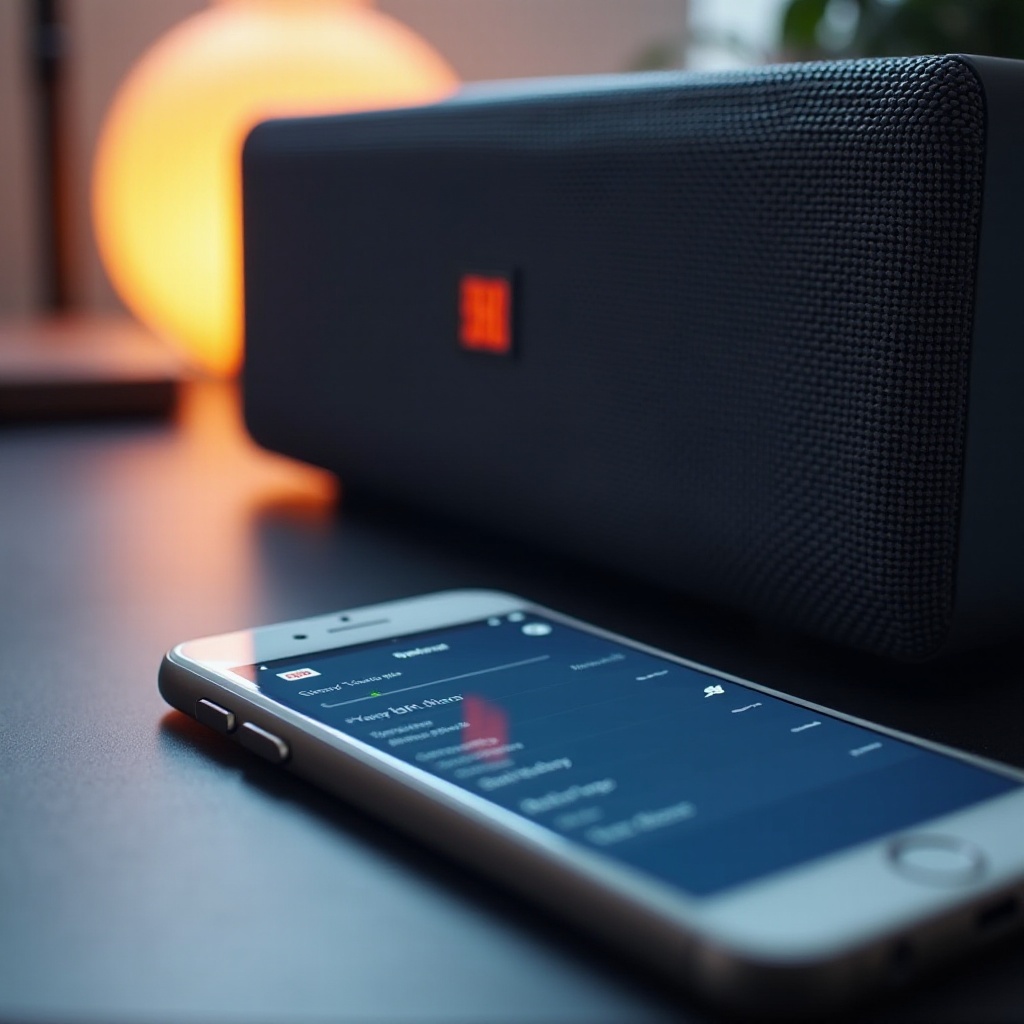
Bluetooth remains the most popular way to connect your JBL speaker to a phone. Follow these instructions:
1. Enable Bluetooth on Your Phone by navigating to the settings menu.
2. Turn on Your JBL Speaker, and press the power button. Enter pairing mode by pressing and holding the Bluetooth button until the LED flashes.
3. Pair Devices by selecting your JBL speaker from the available devices list on your phone.
4. Confirm the Connection as the speaker emits a specific tone or light change.
For any issues:
– Speaker Not Found: Make sure the speaker is within range and in pairing mode.
– Connection Drops: Check for interference and maintain an effective Bluetooth range.
Keeping devices close together and removing obstacles will maintain your connection clarity and optimize Bluetooth performance.
Alternative Connection Methods
Should Bluetooth not work for you, consider these alternatives:
– Using an Auxiliary Cable: Plug one end into your speaker and the other into your phone’s audio jack for a stable connection.
– NFC Connectivity: Simplify the process with a simple tap if your JBL model supports NFC.
– JBL Connect+ and PartyBoost for Multiple Speakers: Use these features to sync multiple speakers. This is ideal for larger spaces, creating an immersive audio environment.
These alternative methods grant flexibility and adaptability for various settings and preferences, ensuring an exceptional listening experience.
Enhancing the Audio Experience
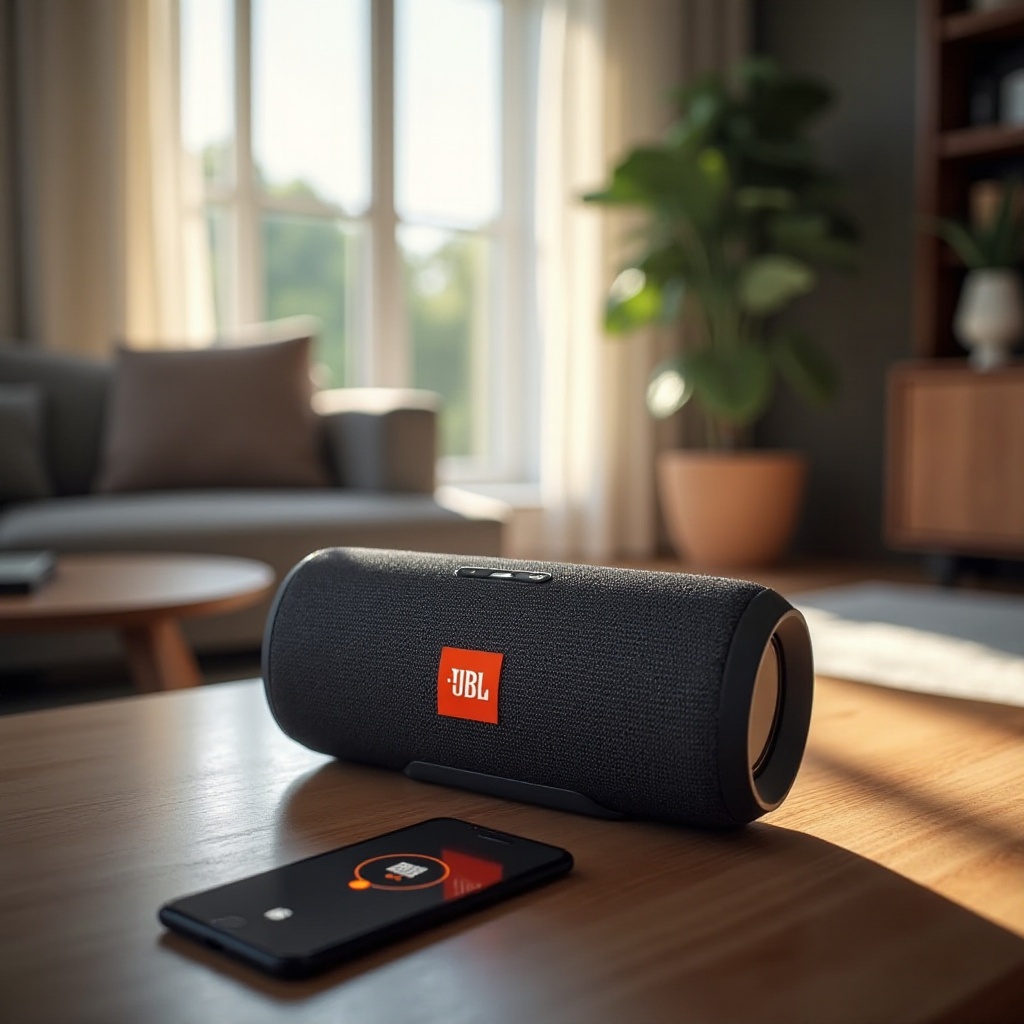
To get the most out of your JBL speaker, consider these enhancements:
– Exploring the JBL Speaker App: This app allows you to adjust sound settings and update firmware easily.
– Adjusting Equalizer Settings on Your Phone: Customize the audio profile by adjusting the bass, treble, and other sound elements to fit your auditory preferences.
By customizing settings via these options, you ensure your audio is tailored to your personal tastes and the requirements of your environment.
Troubleshooting and FAQs
Running into connectivity issues can happen, but these solutions might help:
– Common Connection Problems: Ensure batteries are charged as low power can impact connectivity quality.
– Audio Quality Issues: Check for electronic interference and try resetting your device if issues persist.
Addressing these potential problems can keep your system working smoothly, ensuring consistent audio quality and device responsiveness.
Conclusion
Successfully linking your JBL speaker to your phone revolves around understanding the technical requirements and employing the right connection strategy. By following the outlined steps and exploring the features of your devices, you’ll enjoy a heightened audio experience whether using Bluetooth or alternatives. Proper preparation and knowledge ensure you can fully utilize your JBL speaker’s capabilities.
Frequently Asked Questions
Why won’t my JBL speaker connect to my phone?
Check for compatibility issues, ensure both devices are in pairing mode, and confirm they are within the connection range.
Can I connect multiple JBL speakers to one phone?
Yes, use JBL Connect+ or PartyBoost to link multiple speakers, creating a more immersive audio environment for larger spaces.
How do I reset my JBL speaker if it won’t connect?
Hold the power and Bluetooth buttons simultaneously for a few seconds to factory reset your JBL speaker if connectivity problems persist.